Support
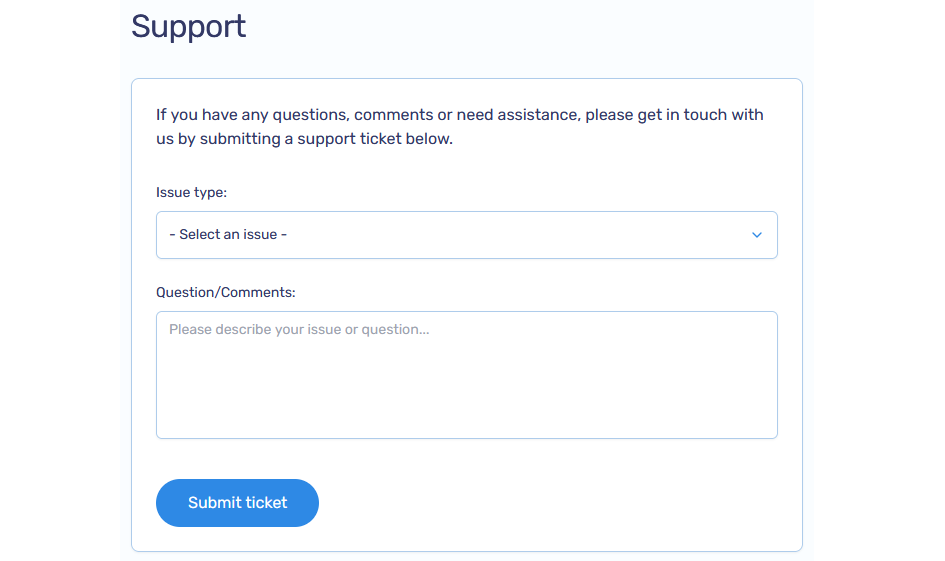
If you have questions, feedback, or need help, our team is here for you. Please submit a support ticket and we’ll respond as soon as possible
How to Submit a Support Ticket
-
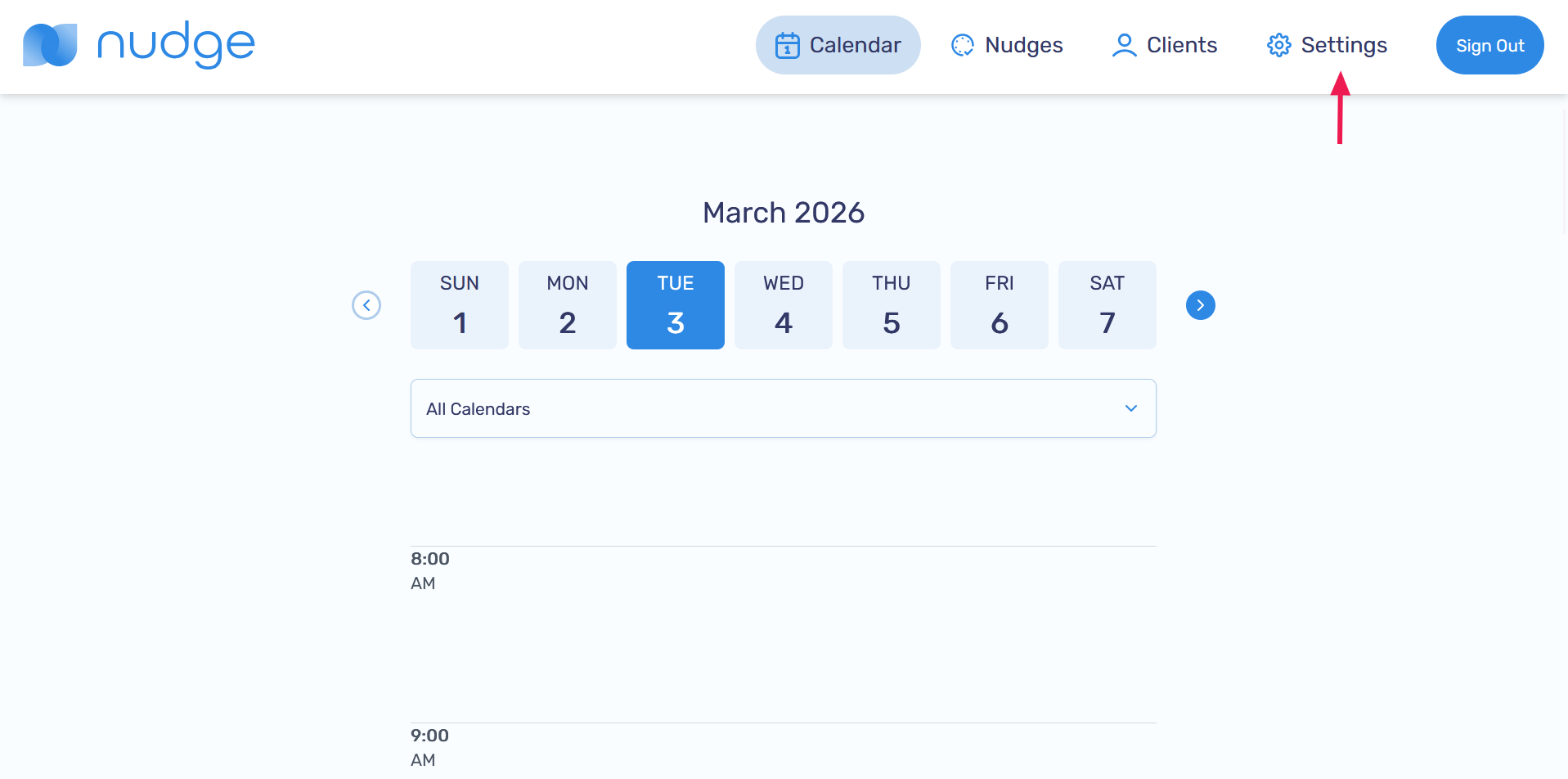
Go to the Settings page
-
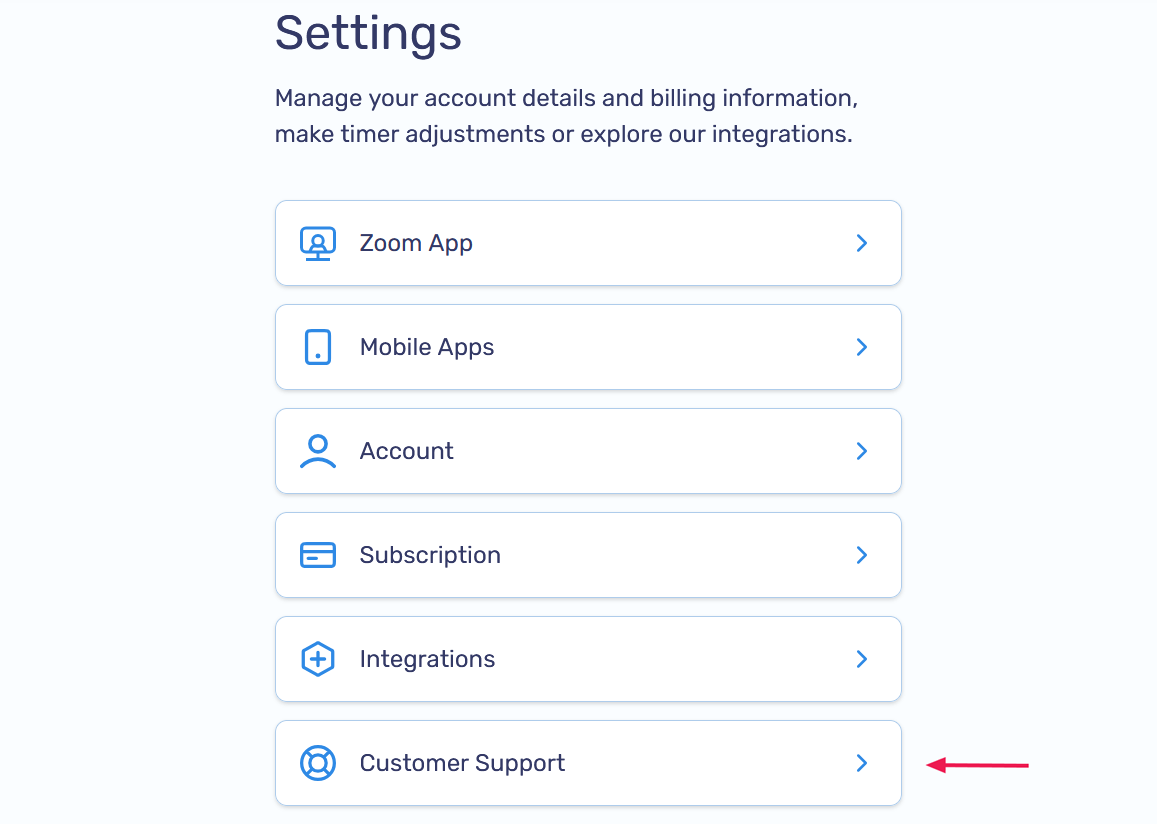
Select the Customer Support option
-
Fill out the support form and submit your ticket. Our team will get back to you promptly