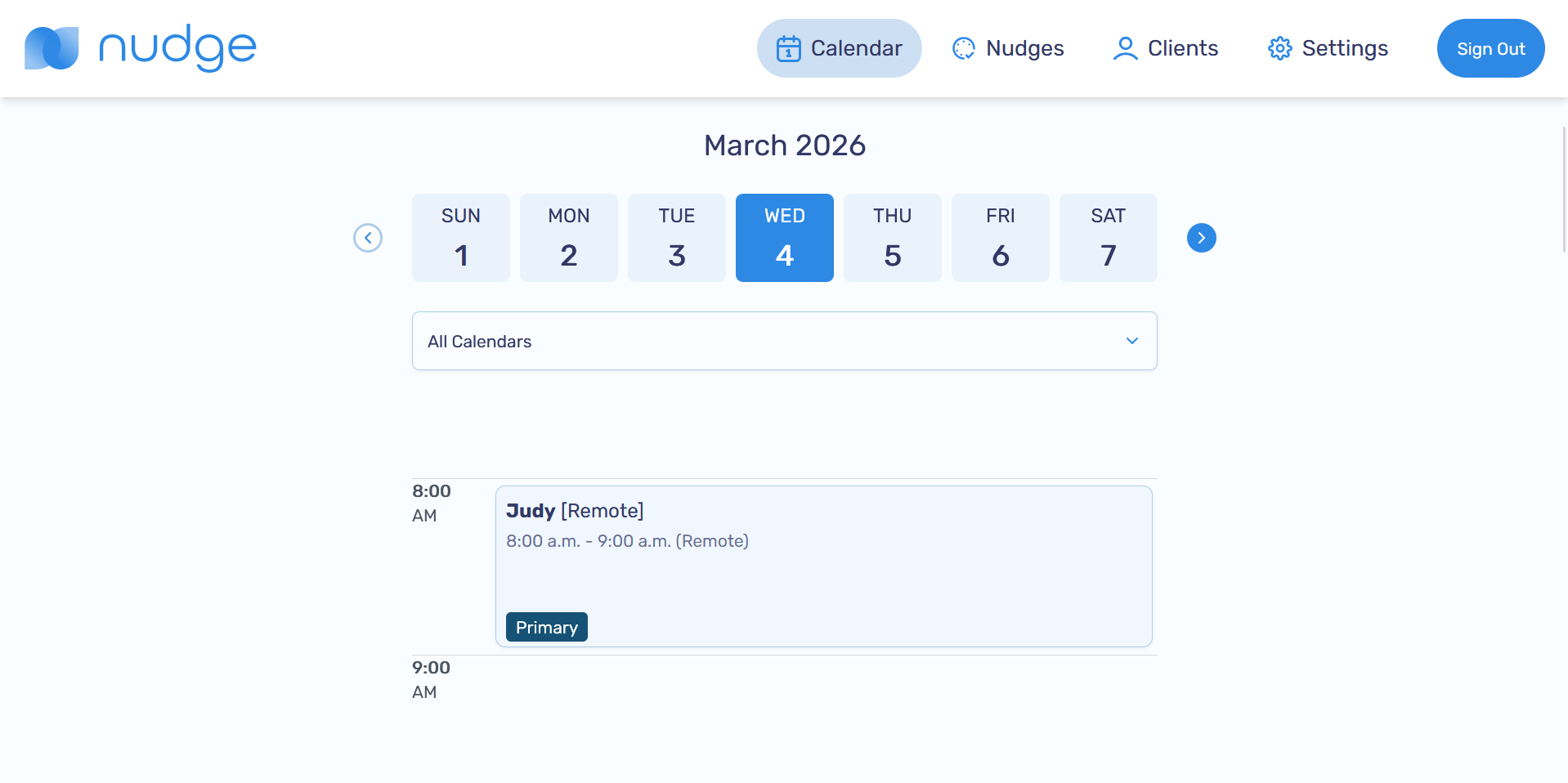
Calendar View
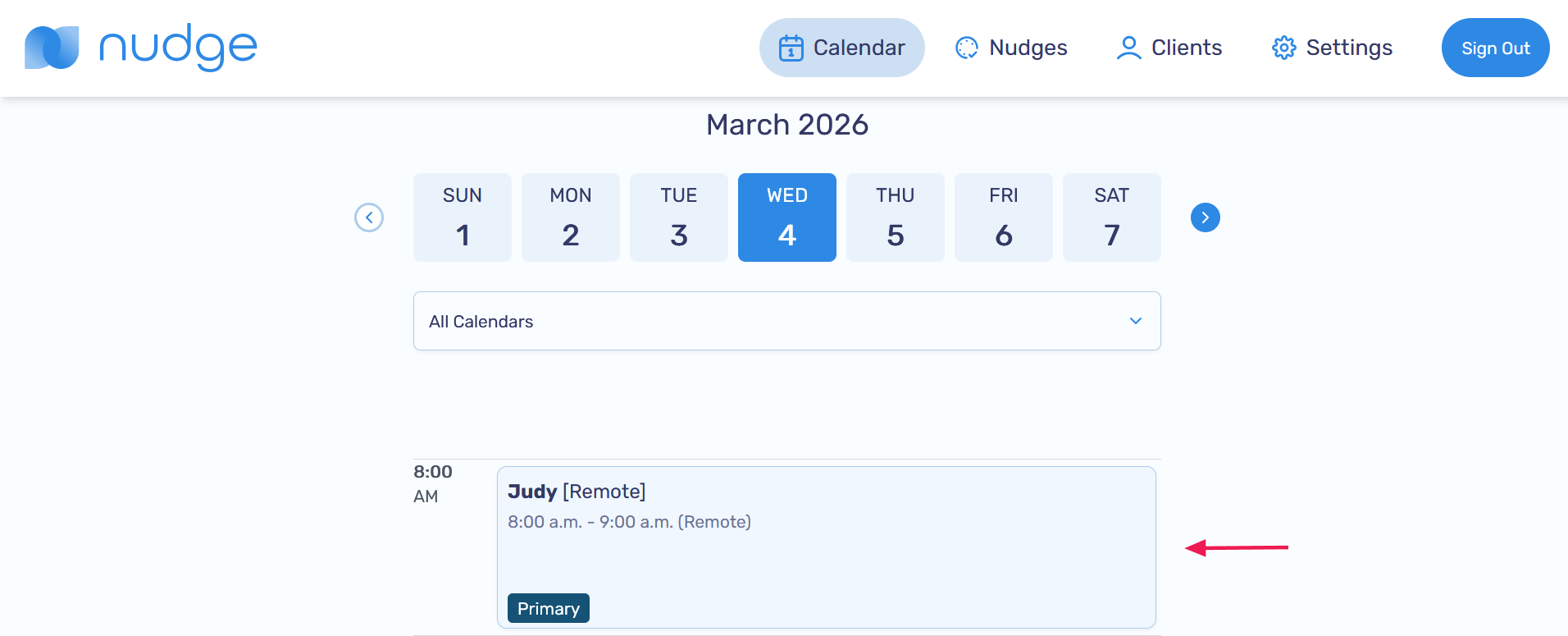
The Calendar page displays all your sessions from the calendars you’ve integrated with the Nudge app
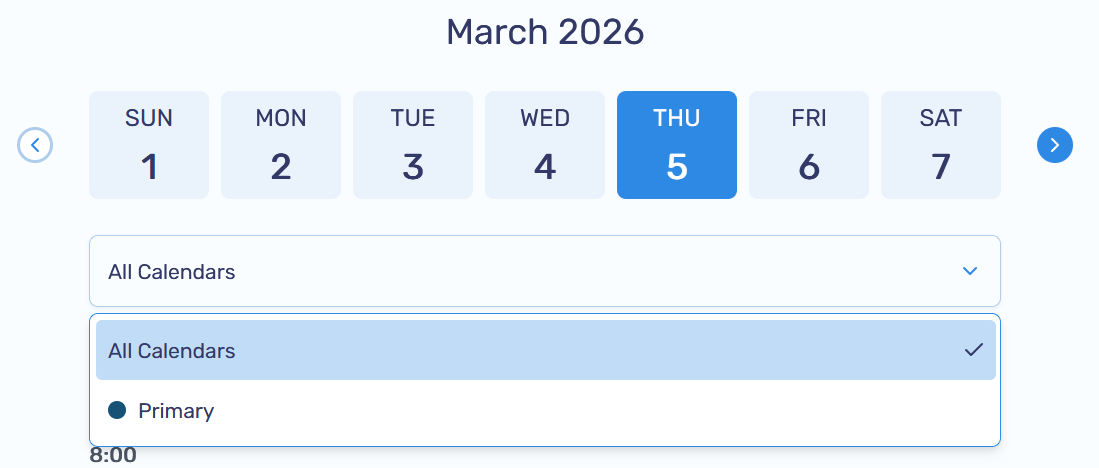
Filter by Calendar
Easily filter sessions by selecting your preferred calendar from the dropdown menu
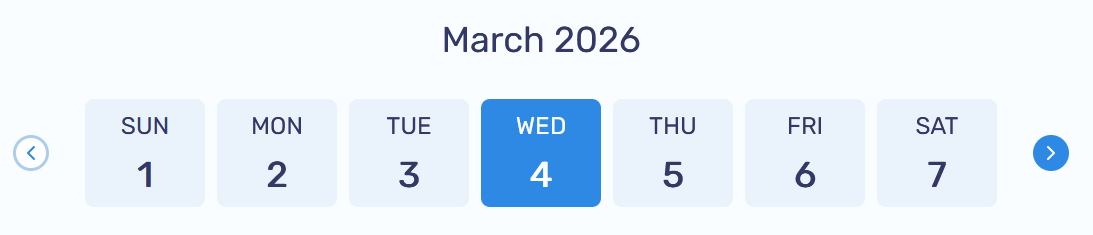
Browse by Date
Navigate between weeks using the arrow buttons, or select a specific date card to view sessions for that day. You can browse sessions up to 30 days in the past or future
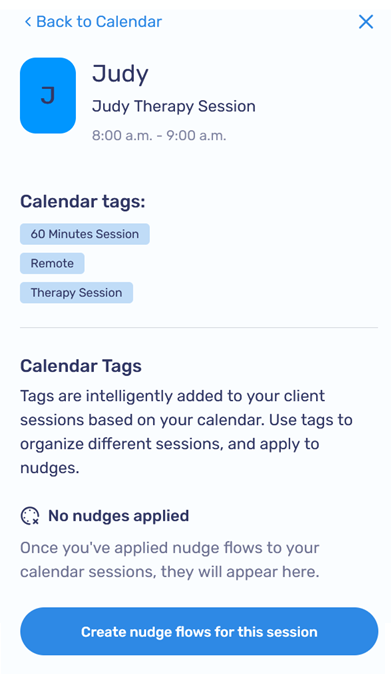
View Session Details
Click any session to see more details, including calendar tags and applied nudges. You can also create and apply a new nudge flow directly from the session (Learn more about creating nudge flows)
-
Select a session from the calendar
-
A popup will appear, displaying detailed information about the session