Account Creation and Sign In
Creating Your Account
-
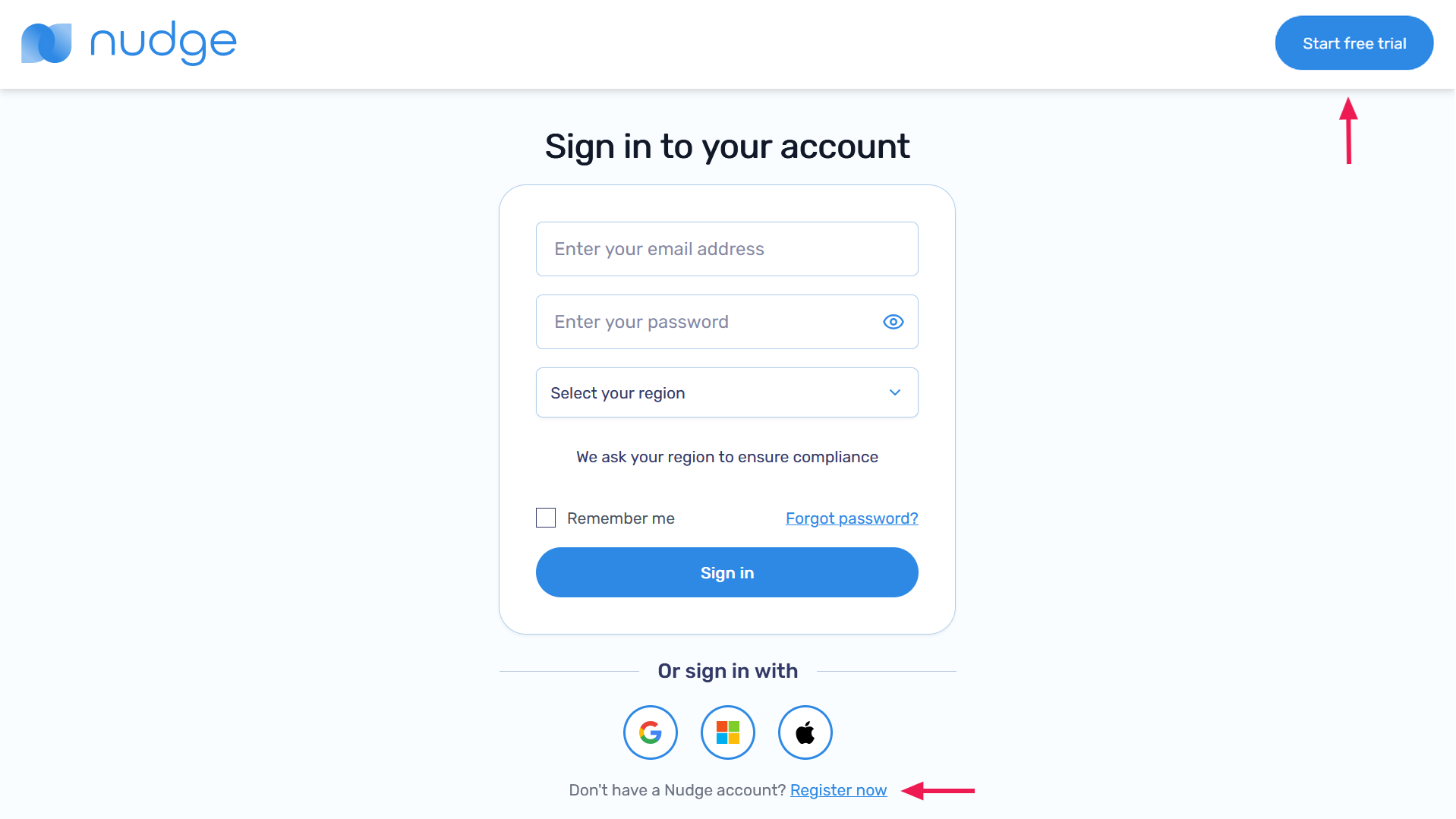
Click the Start free trial button in the navigation bar or select Register now at the bottom of the page
-
Fill the Create a Nudge account form with your email, password and region and then click Create my account

-
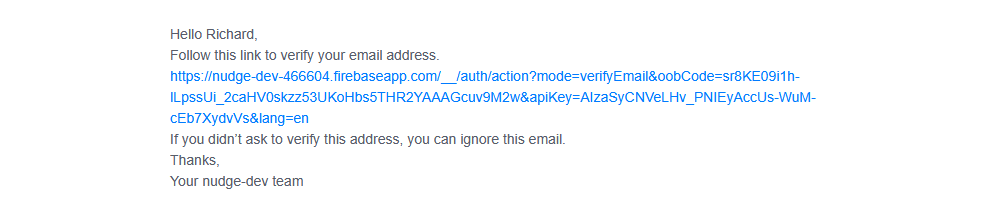
A verification email will be sent to your email
-
Click the verification link in your email to activate your account. You’ll be directed to a confirmation page

Sign in
You can sign in using a nudge account or through your Gmail, Outlook or Apple account
Sign In with Nudge Account
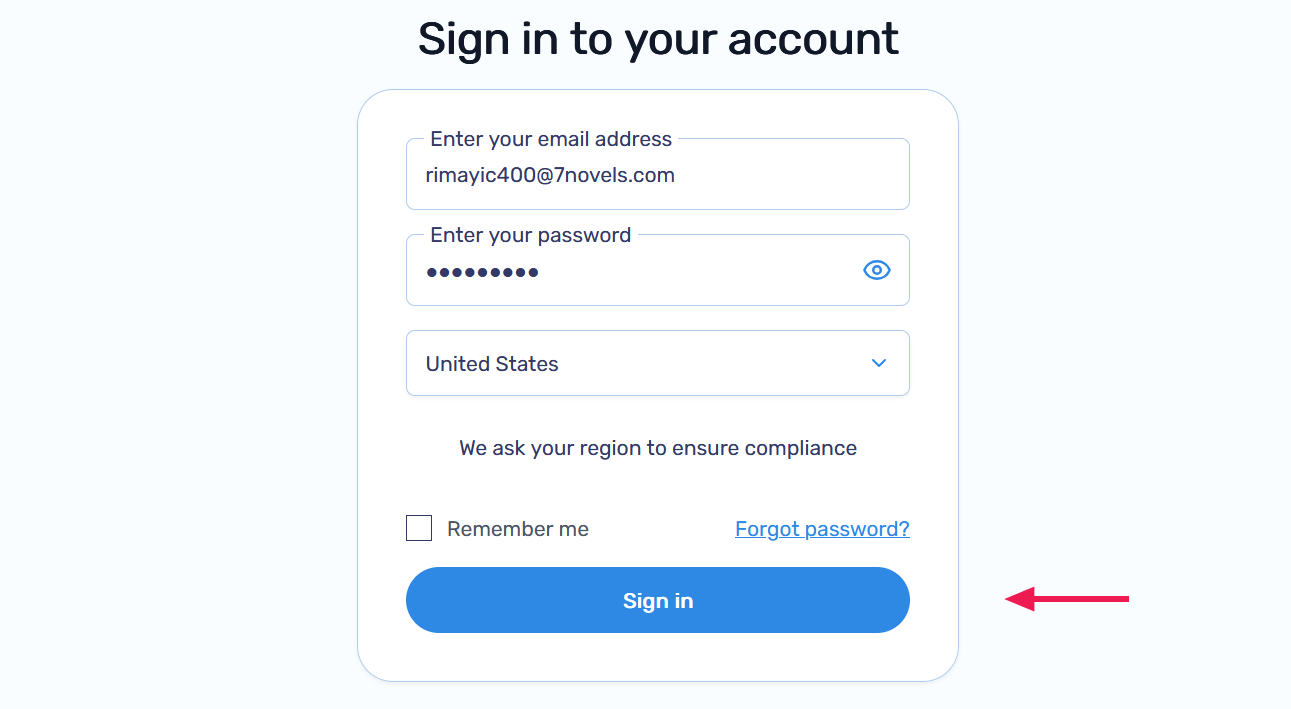
- Enter your account details and click Sign in
Sign In with Gmail, Outlook, or Apple
-
Select your region from the Select your region dropdown

-
Click the Google, Outlook, or Apple icon in the Or sign in with section

-
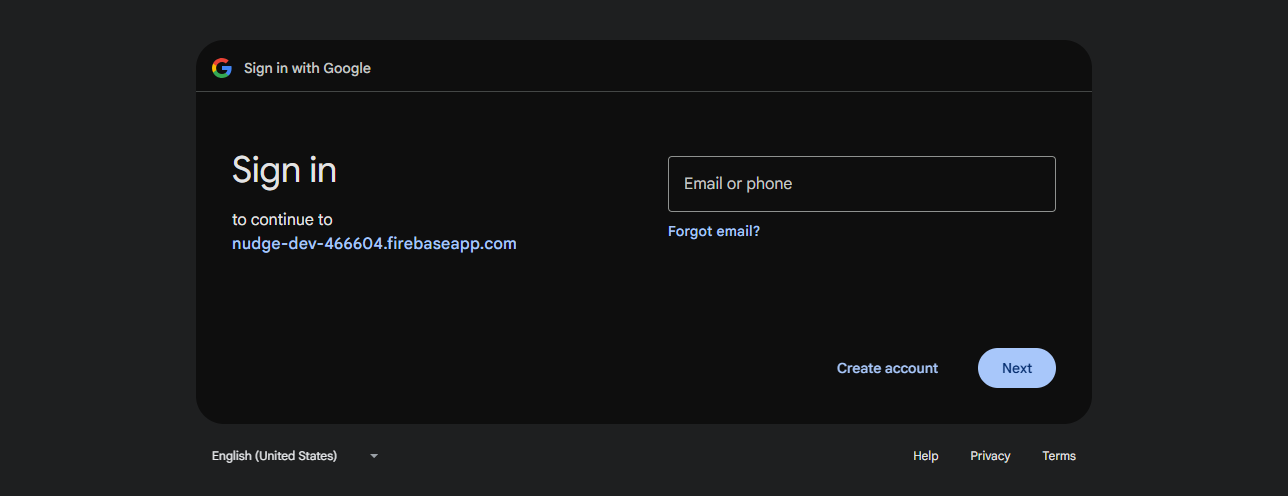
Complete the sign-in process with your chosen provider. For this example we'll use Google

First Time Sign on
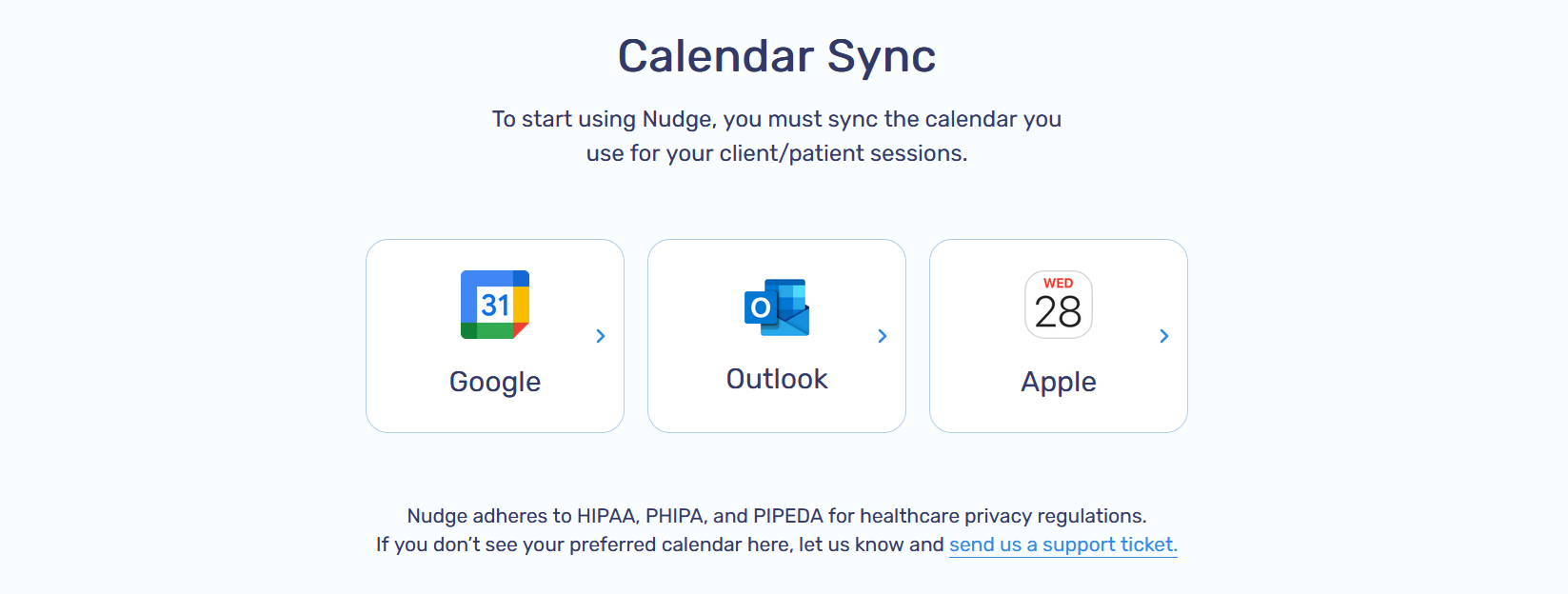
When signing in for the first time you will be prompted to sync one of your calendars. Learn more about calendar integration here