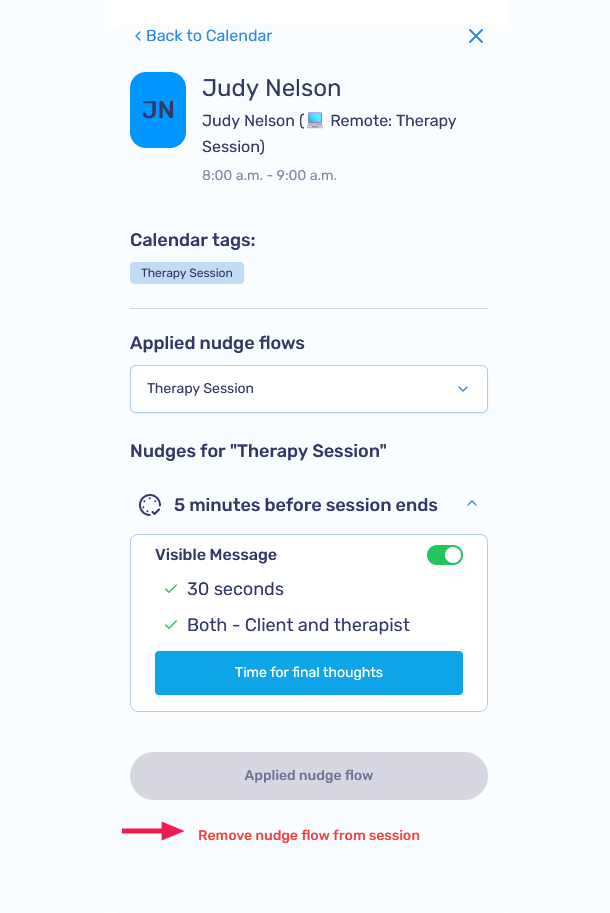
Removing Nudge Flows
You can remove Nudge Flows from the Nudges page or directly from a session on the Calendar page.
Option A: From the Nudges page
-
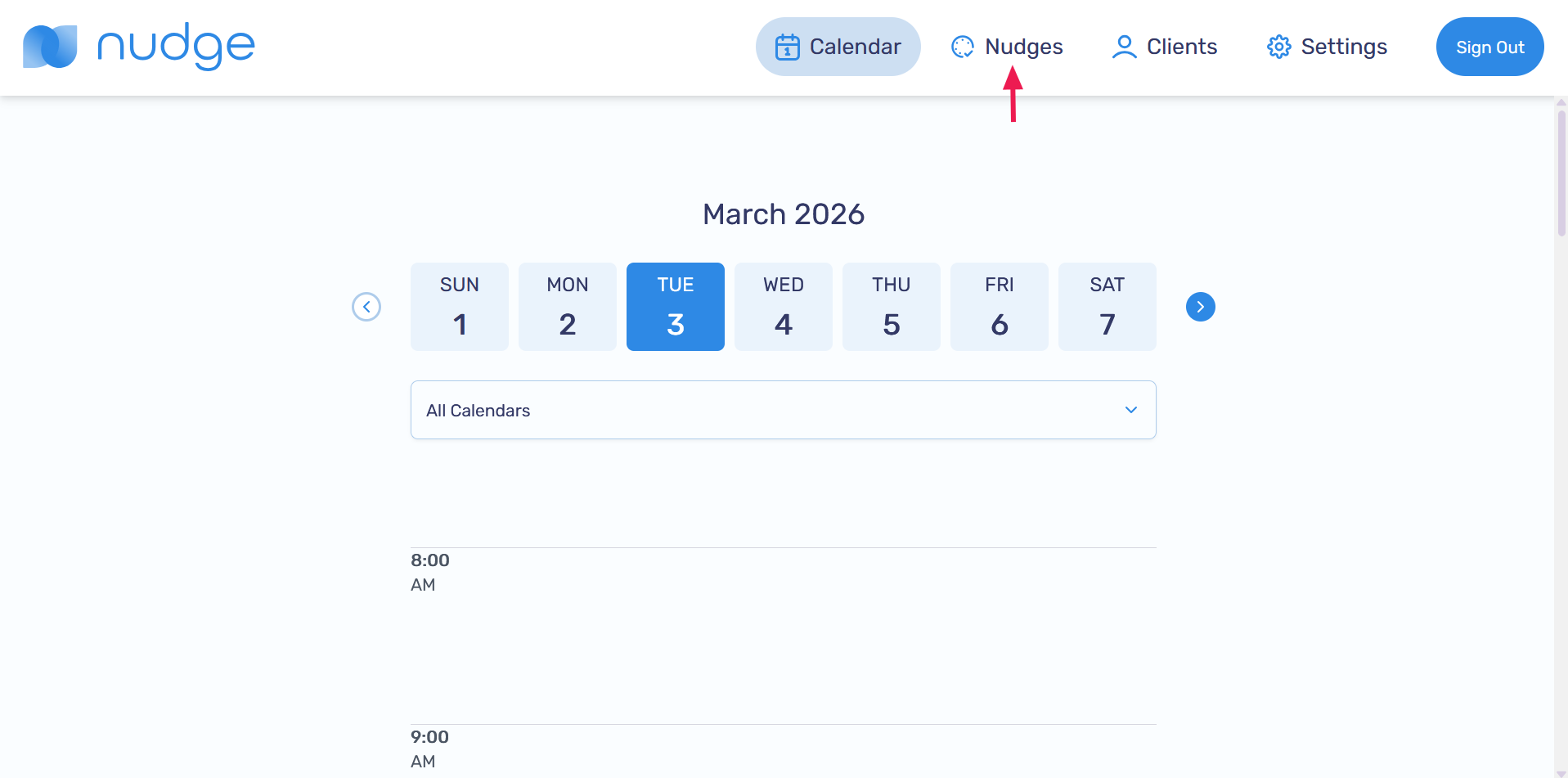
Go to the Nudges page
-
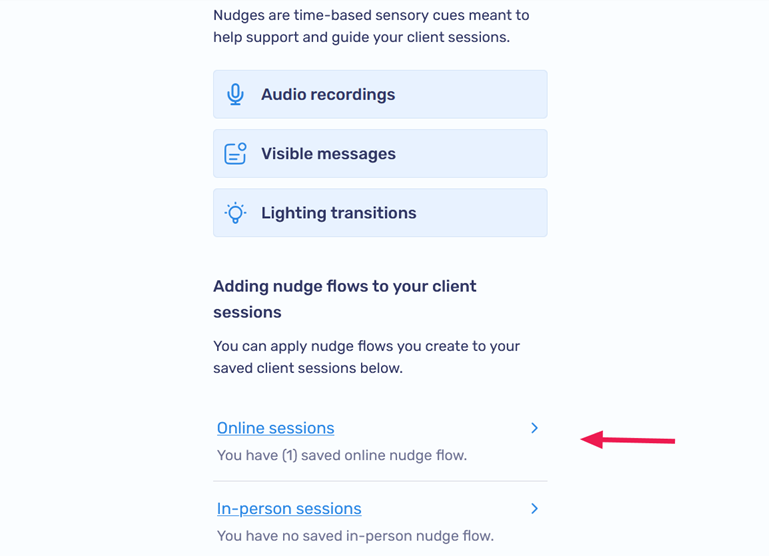
Navigate to the Online sessions or In-person sessions page (depending on where you created the nudge flow)
-
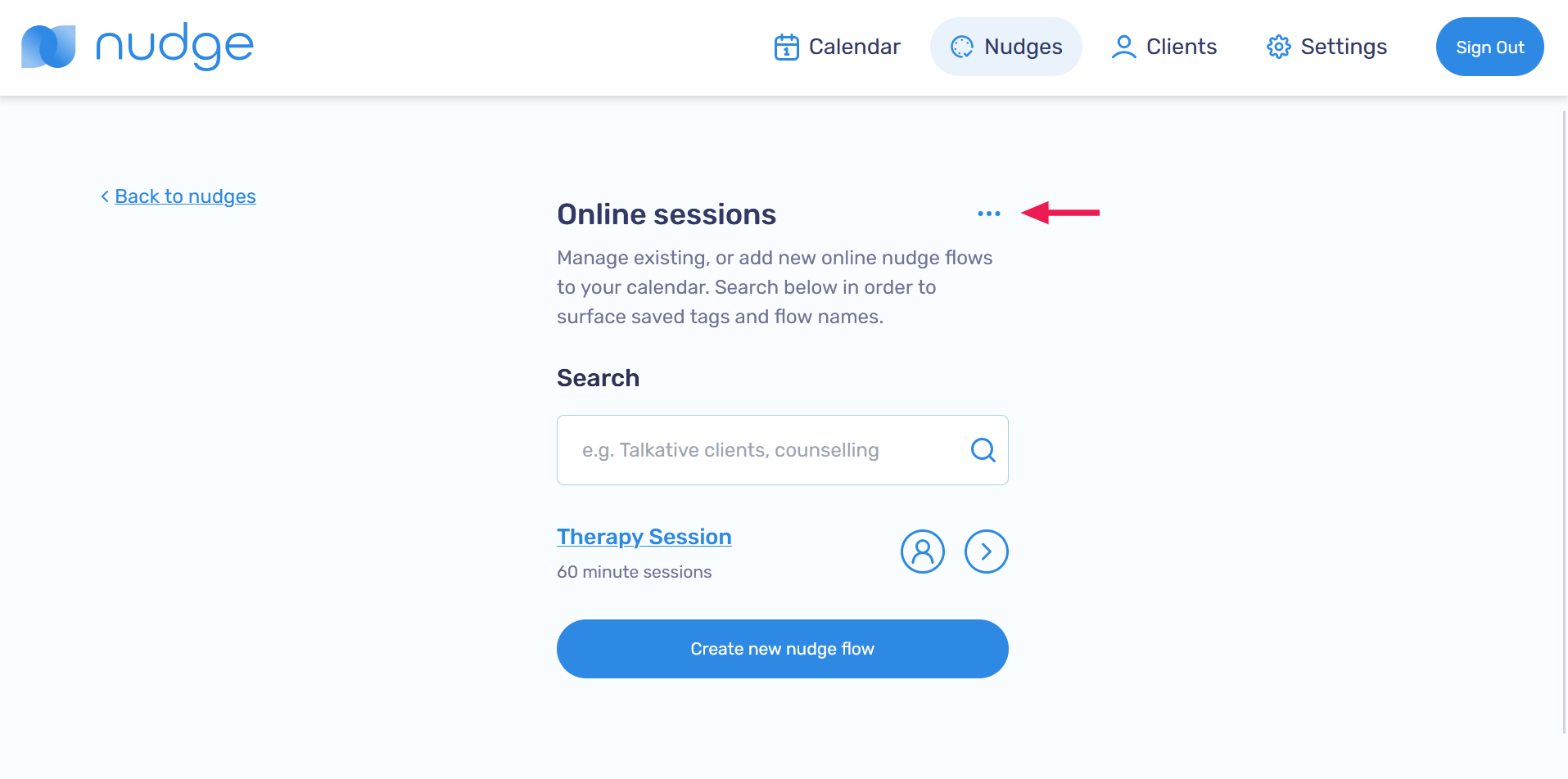
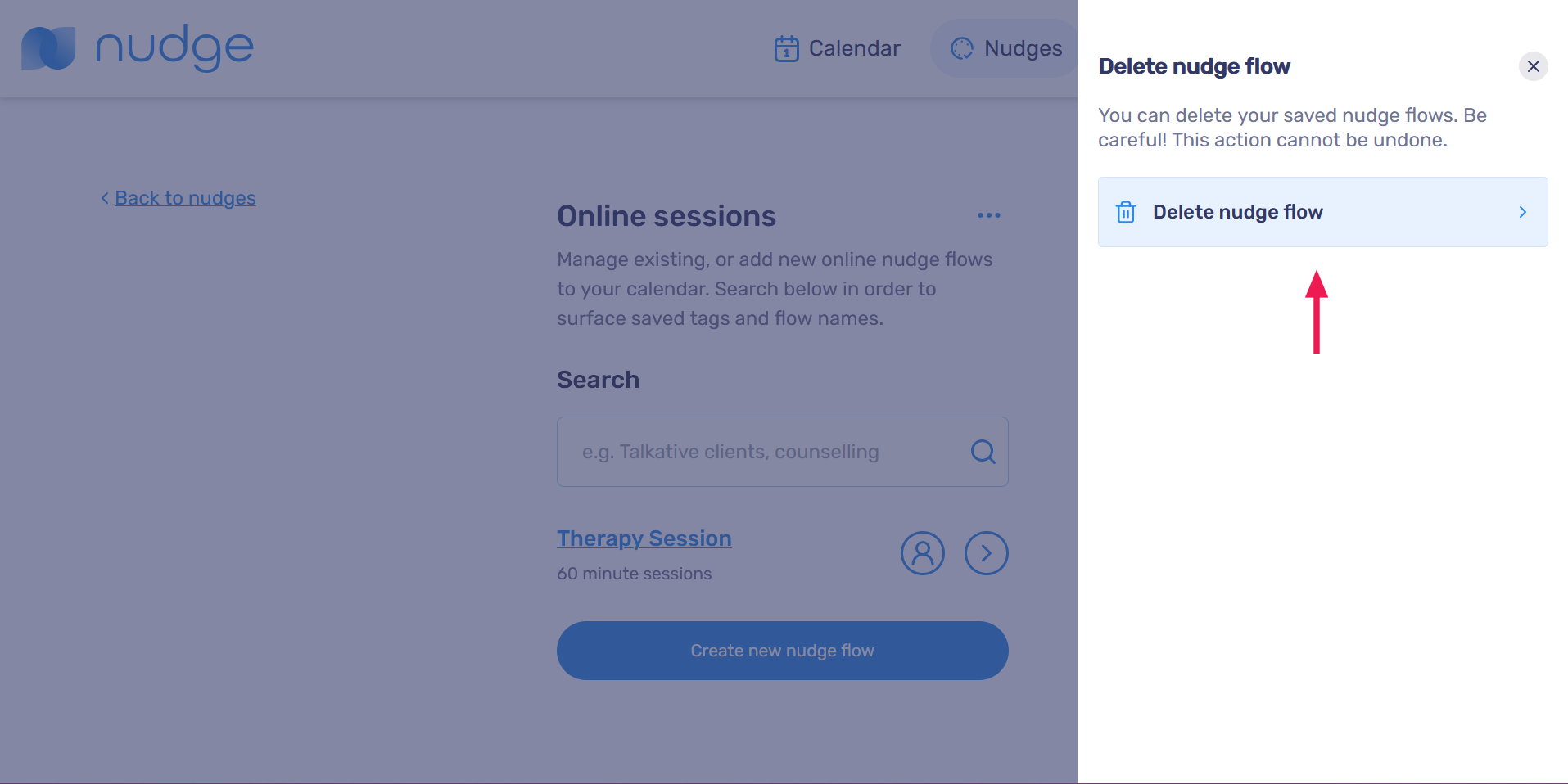
Click the ... next to the page title
-
Click on Delete nudge flow
-
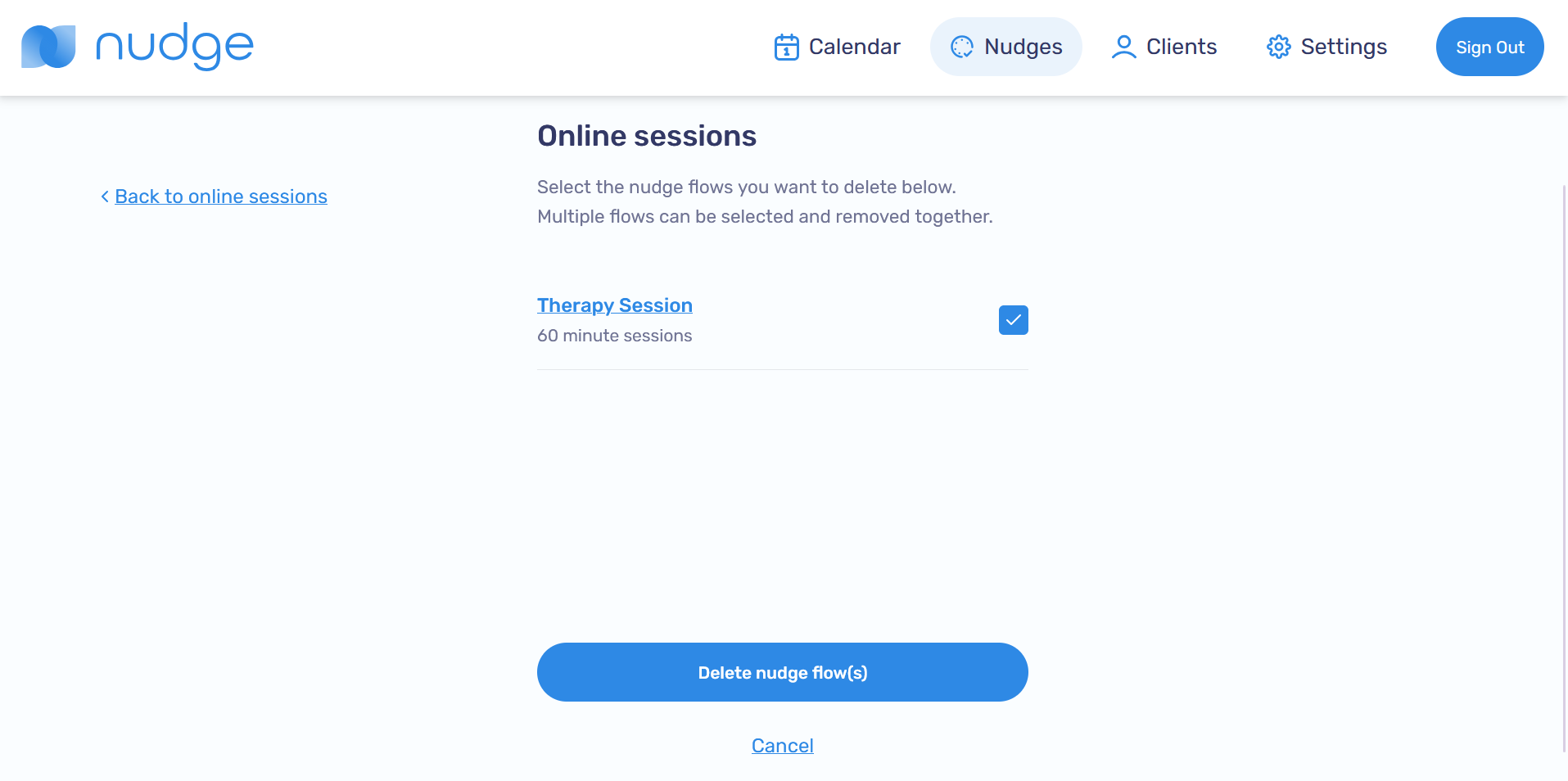
Select the session you would like to delete, then click Delete nudge flow(s)
Option B: From a Calendar session
-
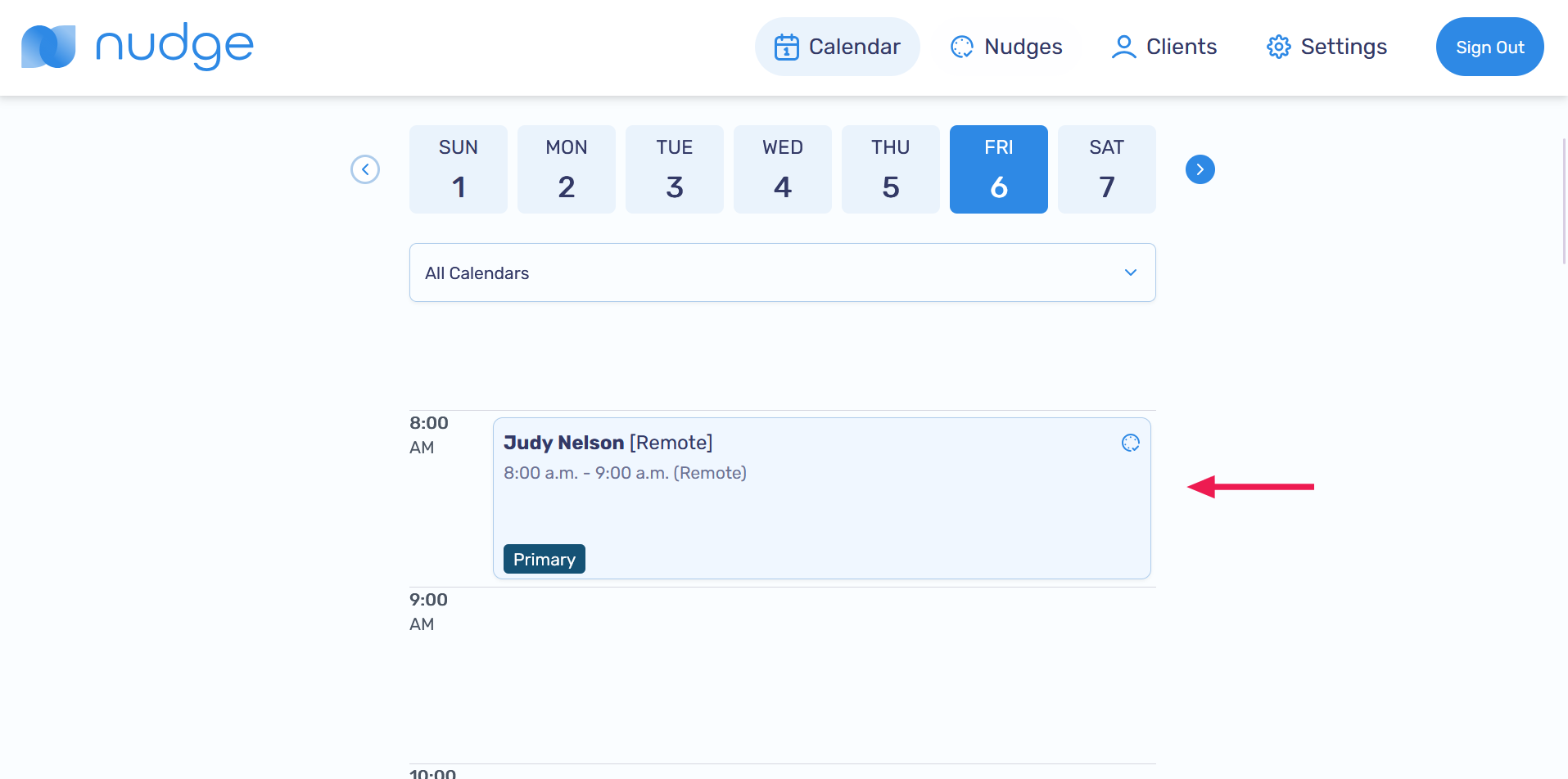
On the Calendar page, select the session with the Nudge Flow you want to remove
-
Click Remove nudge for this session